Description
Create your ultimate personalized cookbook with this comprehensive 280+ page recipe organizer designed to bring order to your culinary collection. The digital template allows you to input, organize, and save all your favorite recipes in one convenient, searchable location, eliminating the frustration of scattered recipe cards, bookmarked websites, and forgotten family recipes.
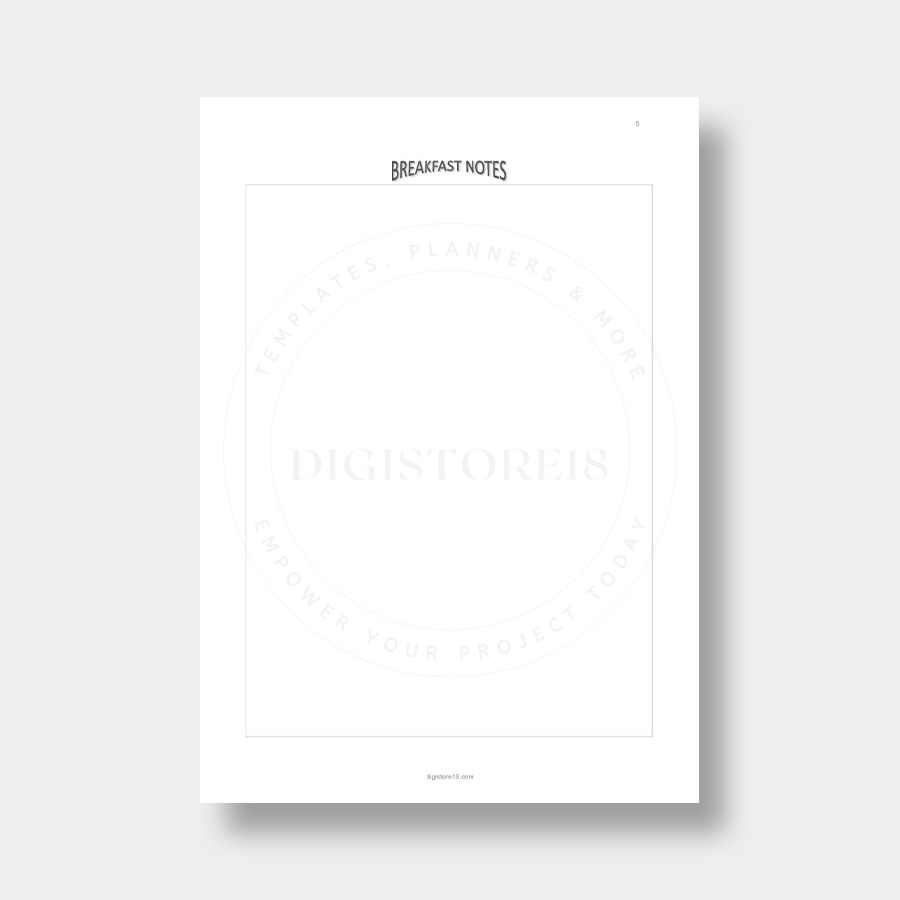
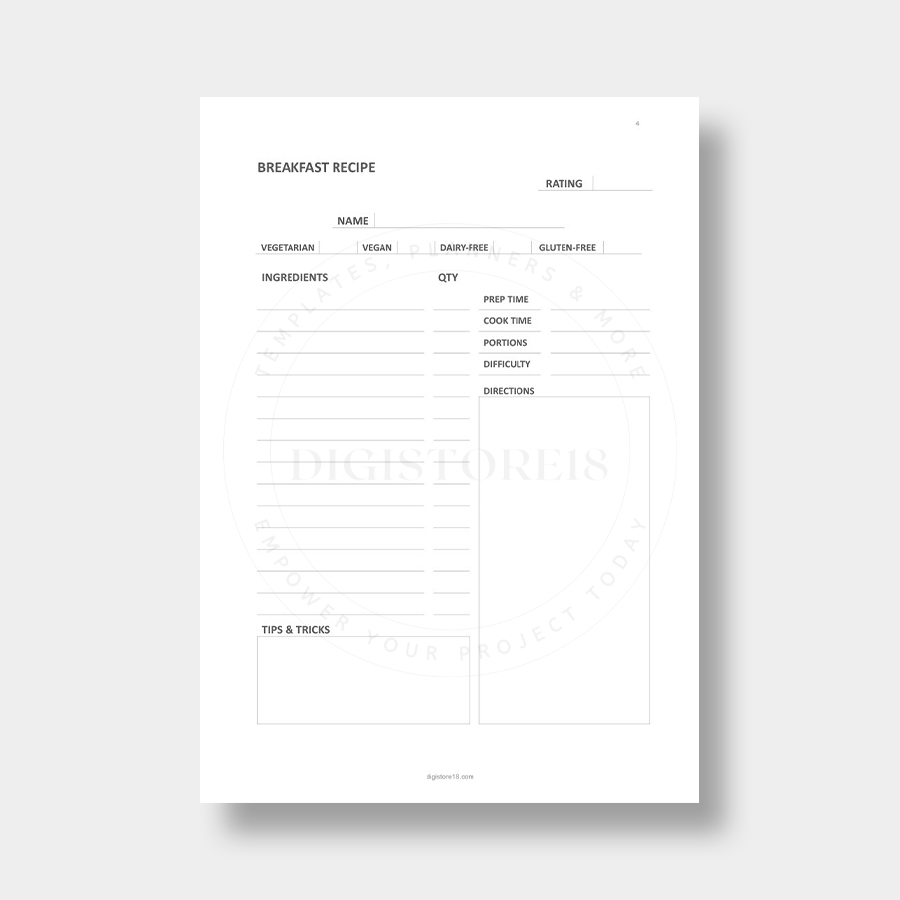
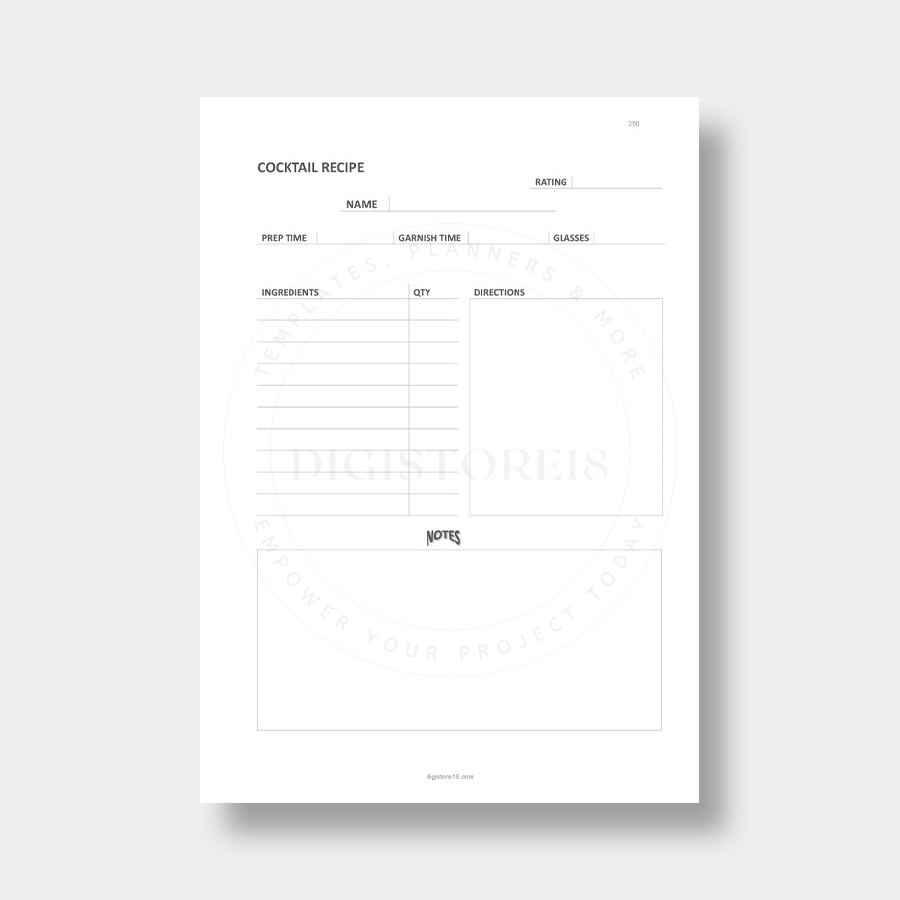
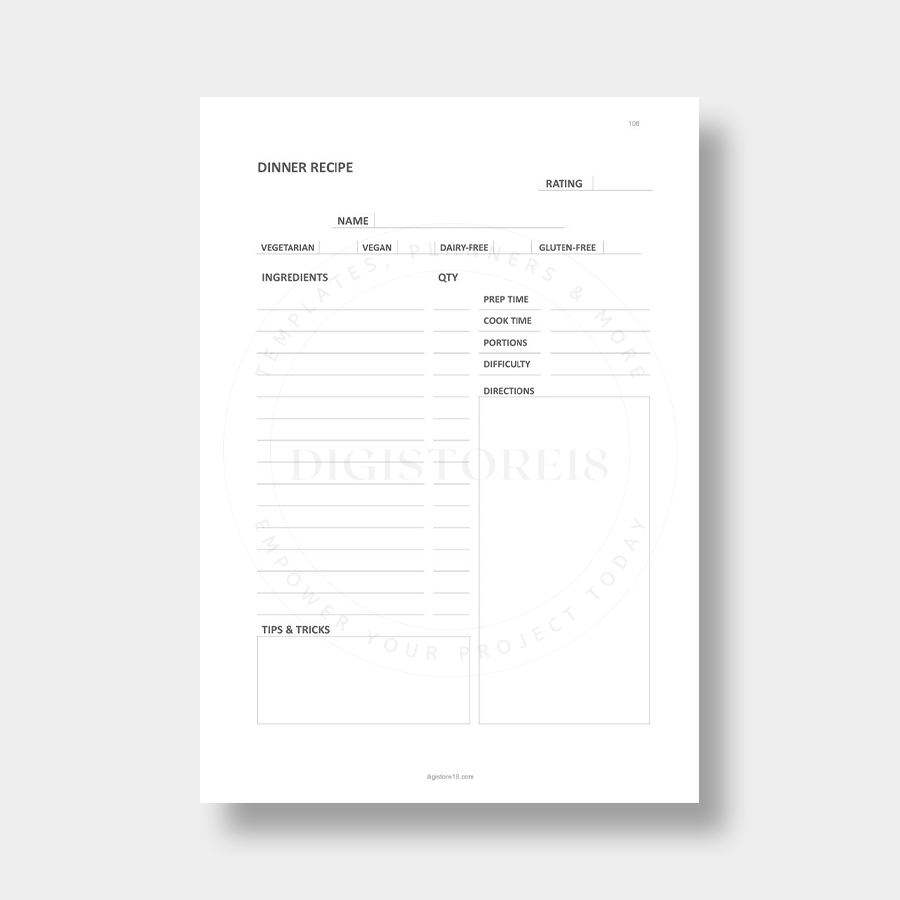
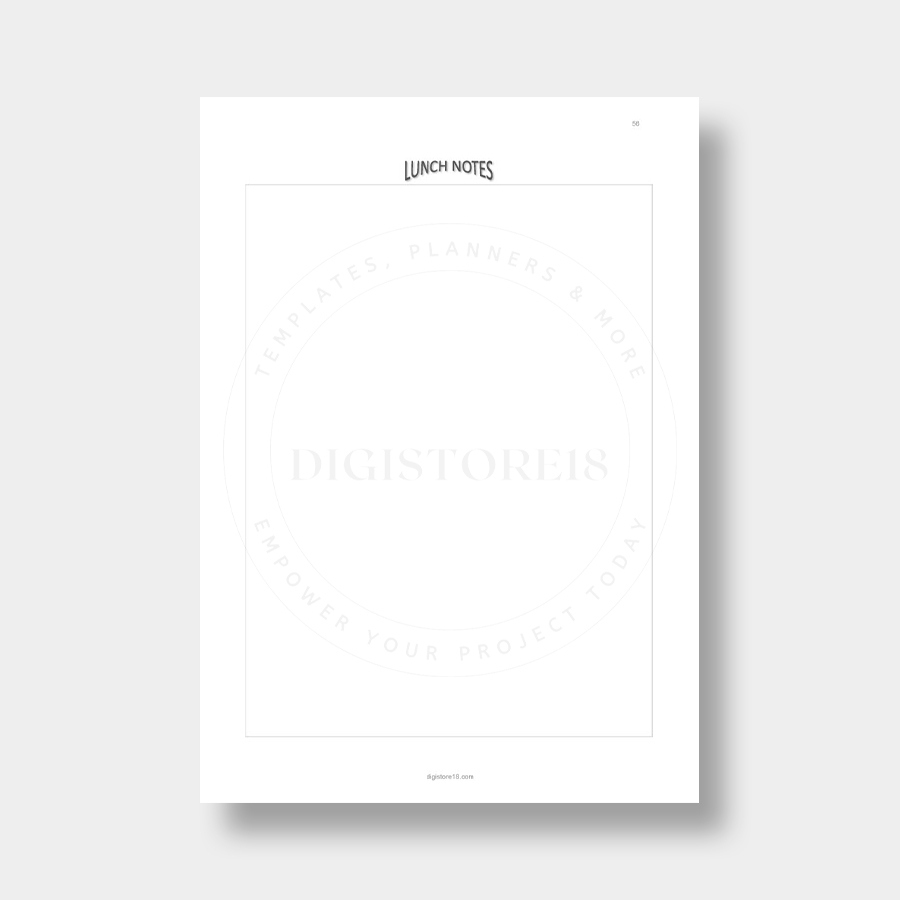
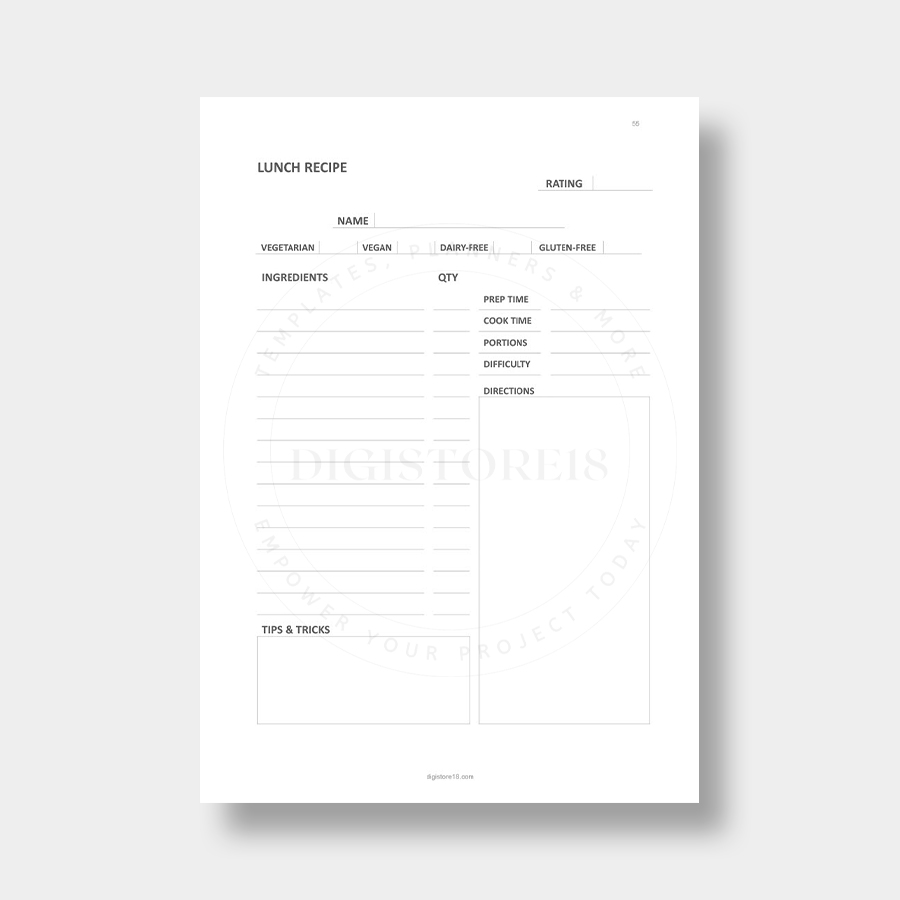
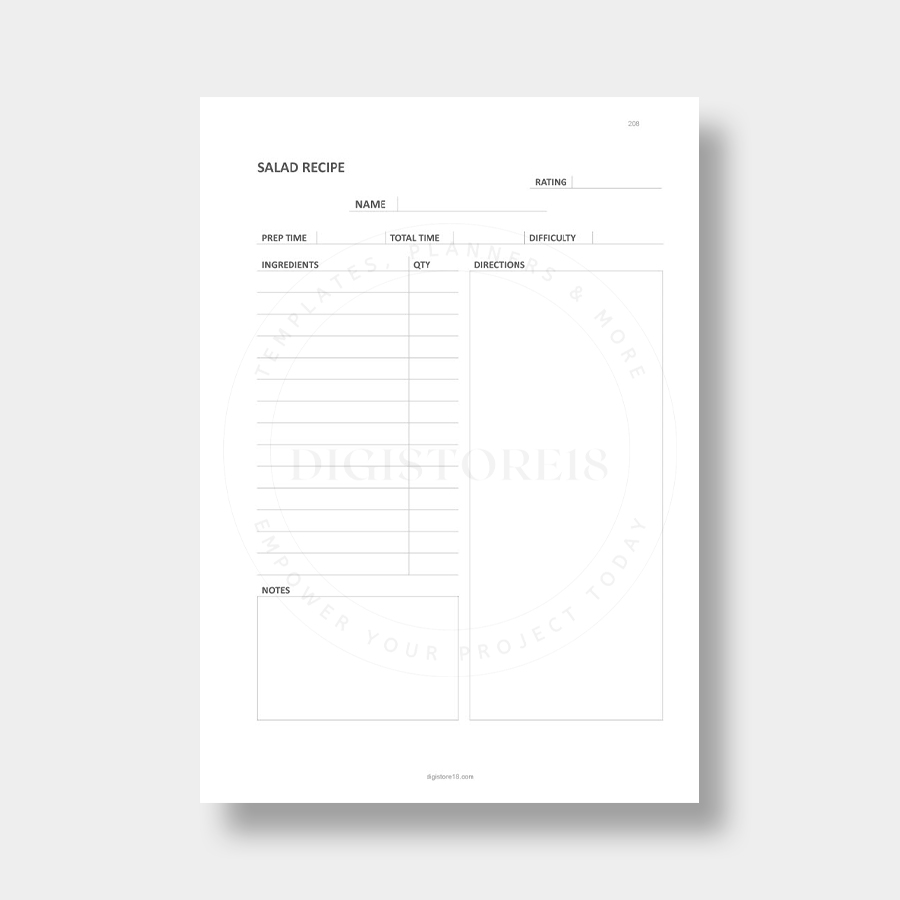
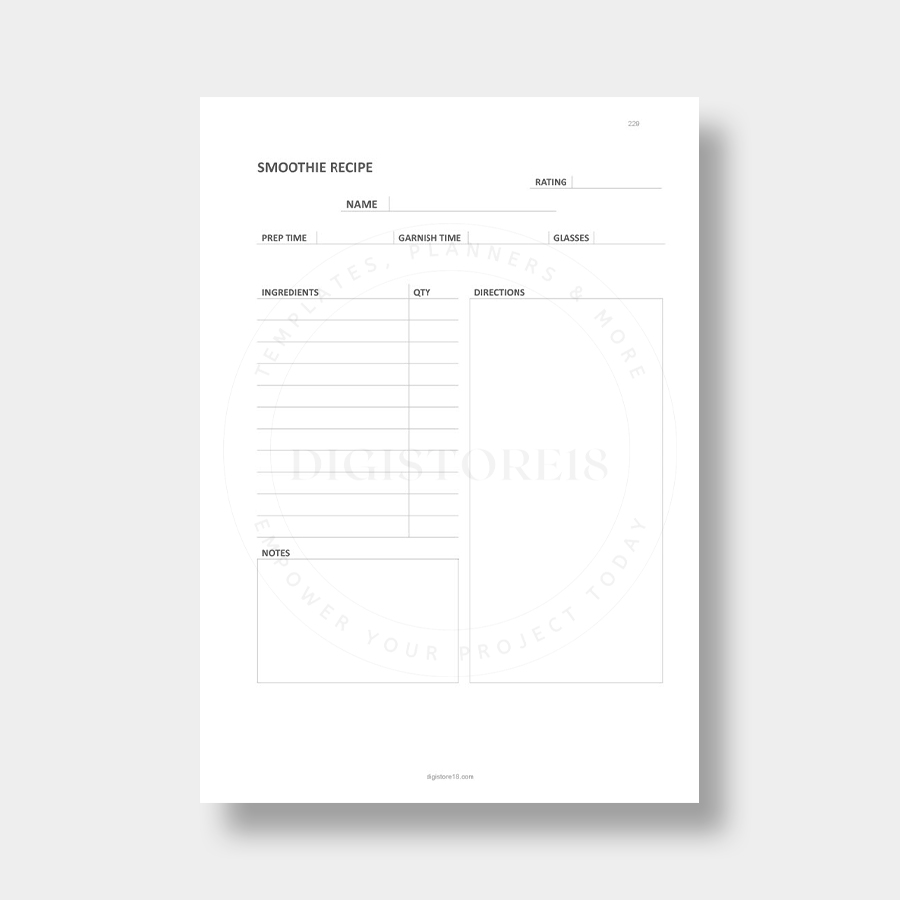
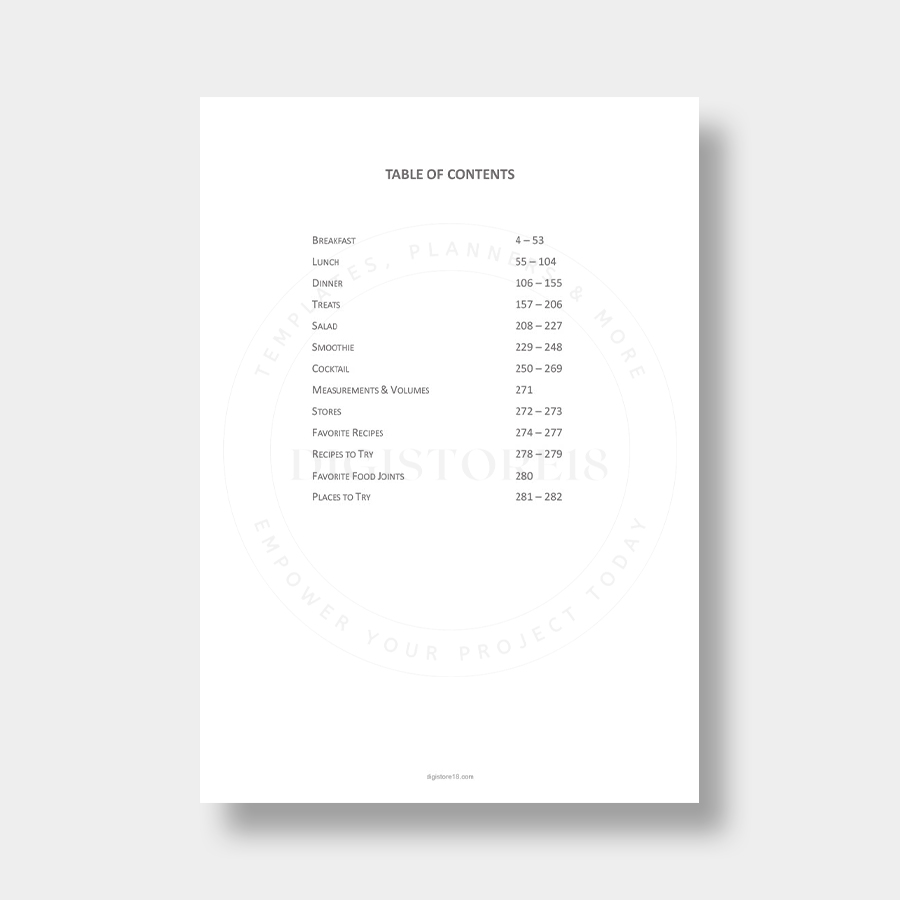
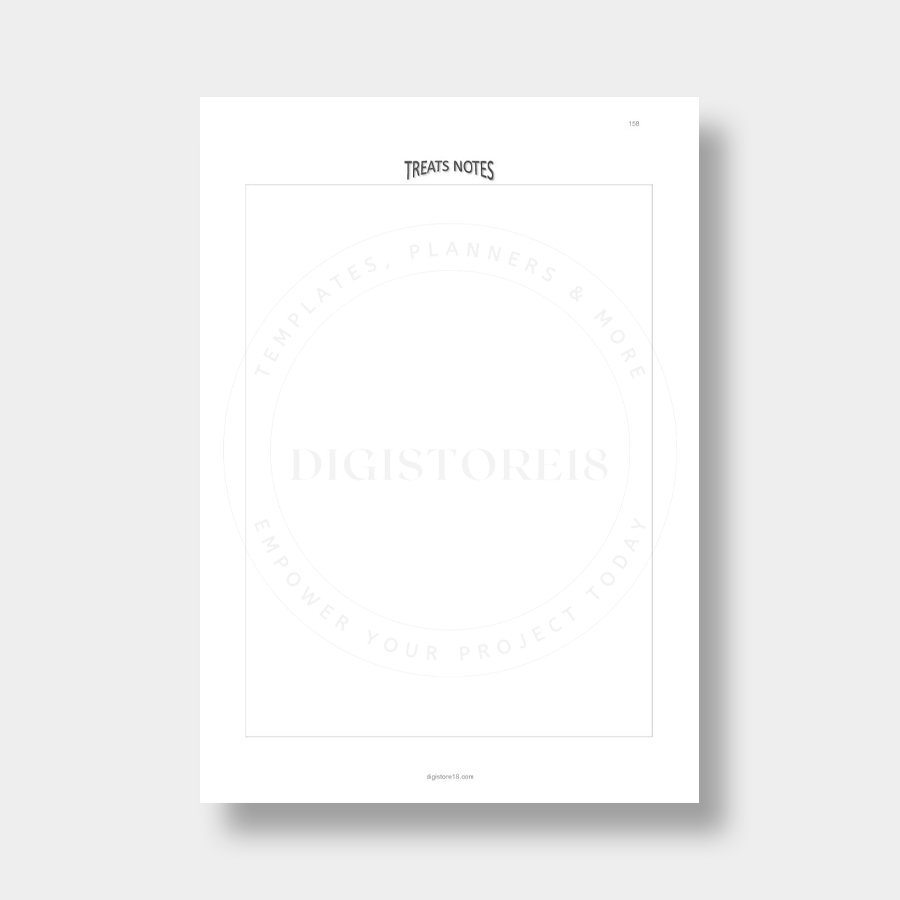
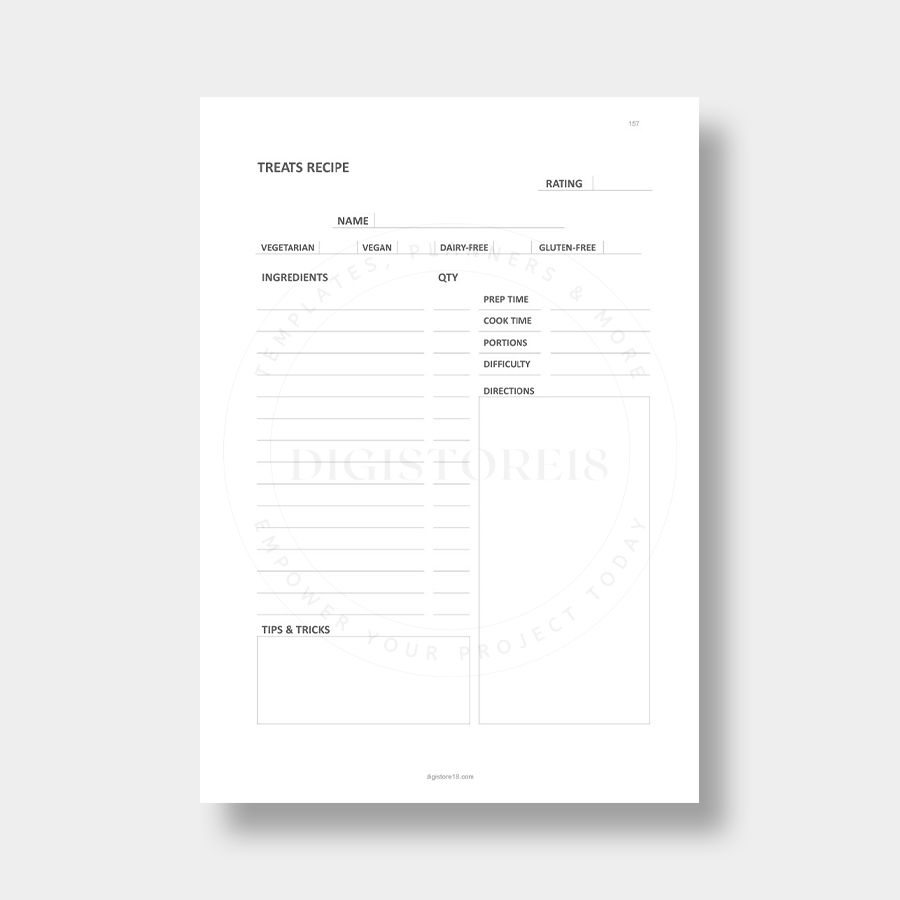
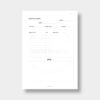
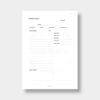
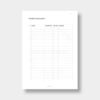
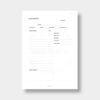
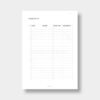
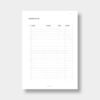
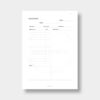
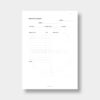
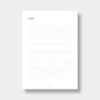
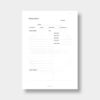
The organized structure features dedicated sections for every type of recipe you’ll want to preserve: breakfast favorites, lunch options, dinner masterpieces, special treats, fresh salads, healthy smoothies, and creative cocktails. Each section provides ample space to record ingredients, instructions, serving sizes, and personal notes about modifications or cooking tips.
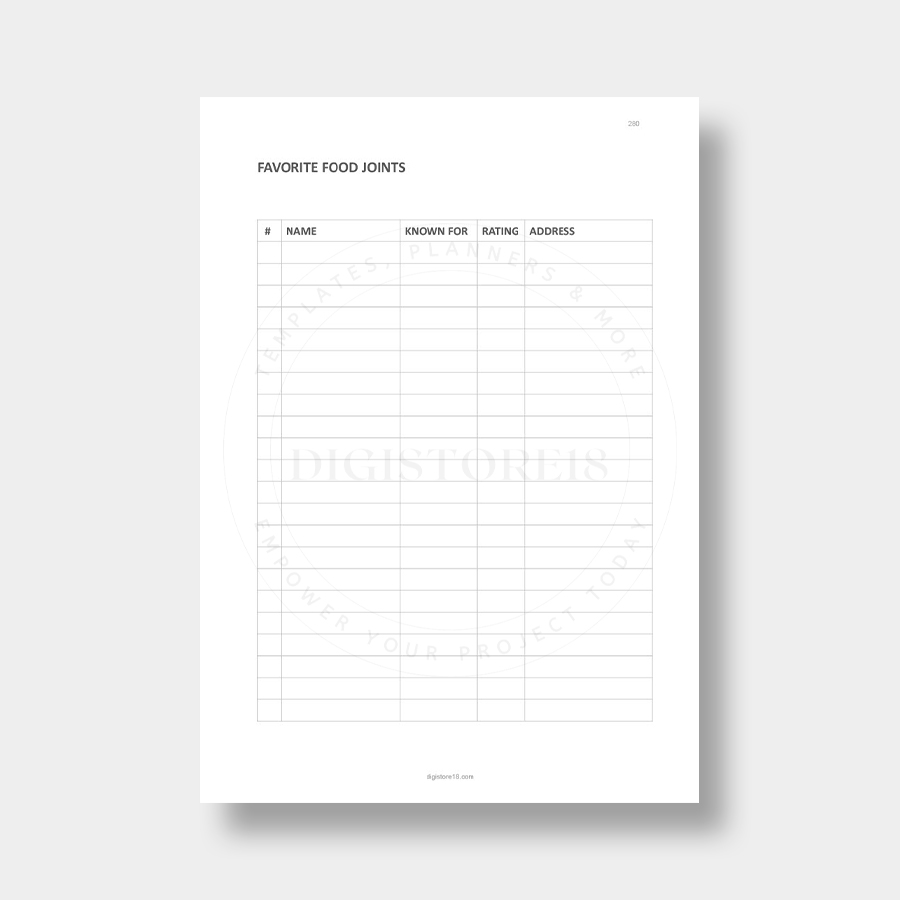
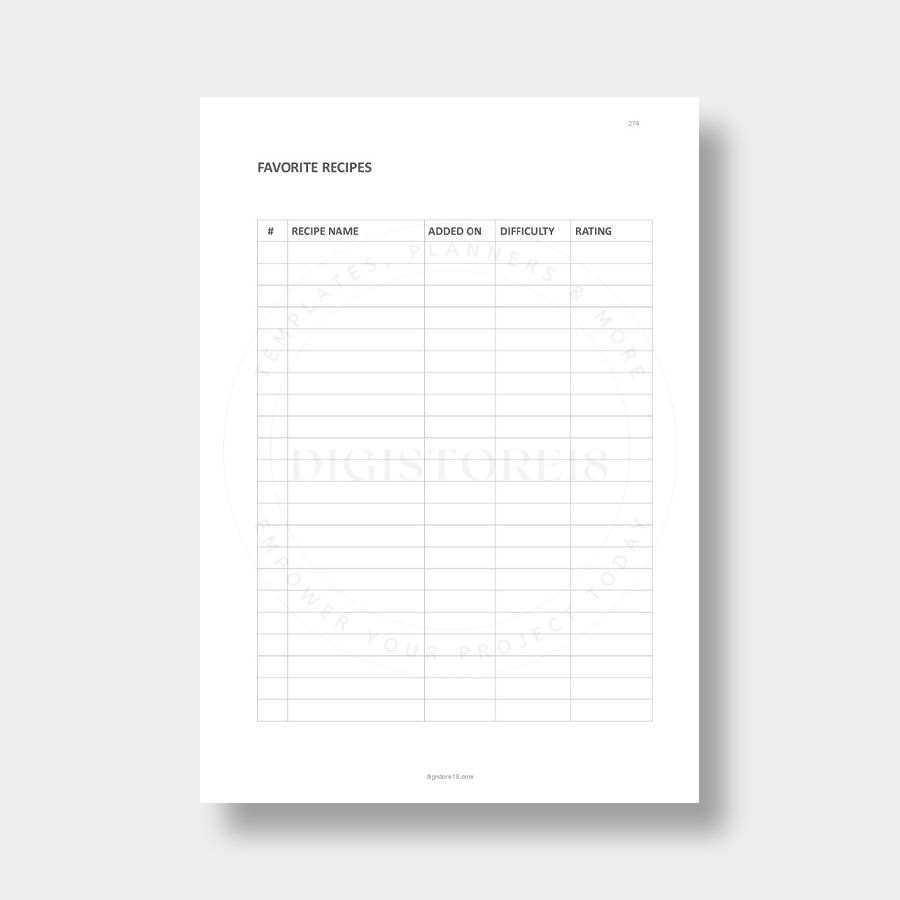
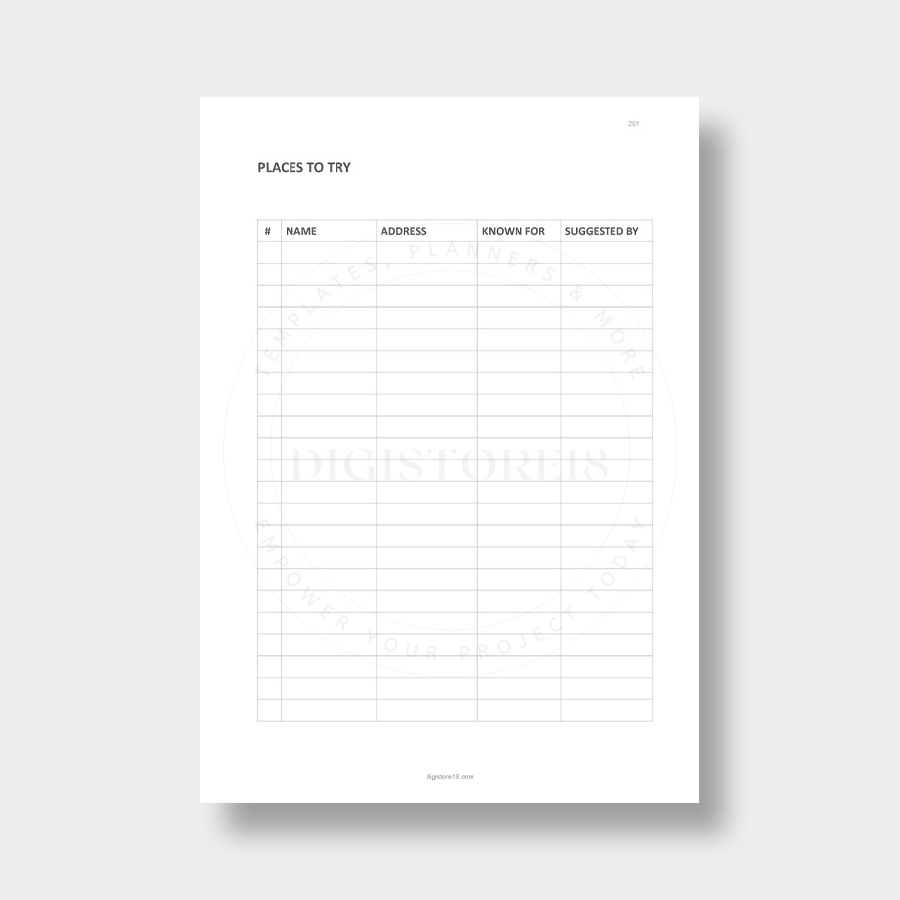
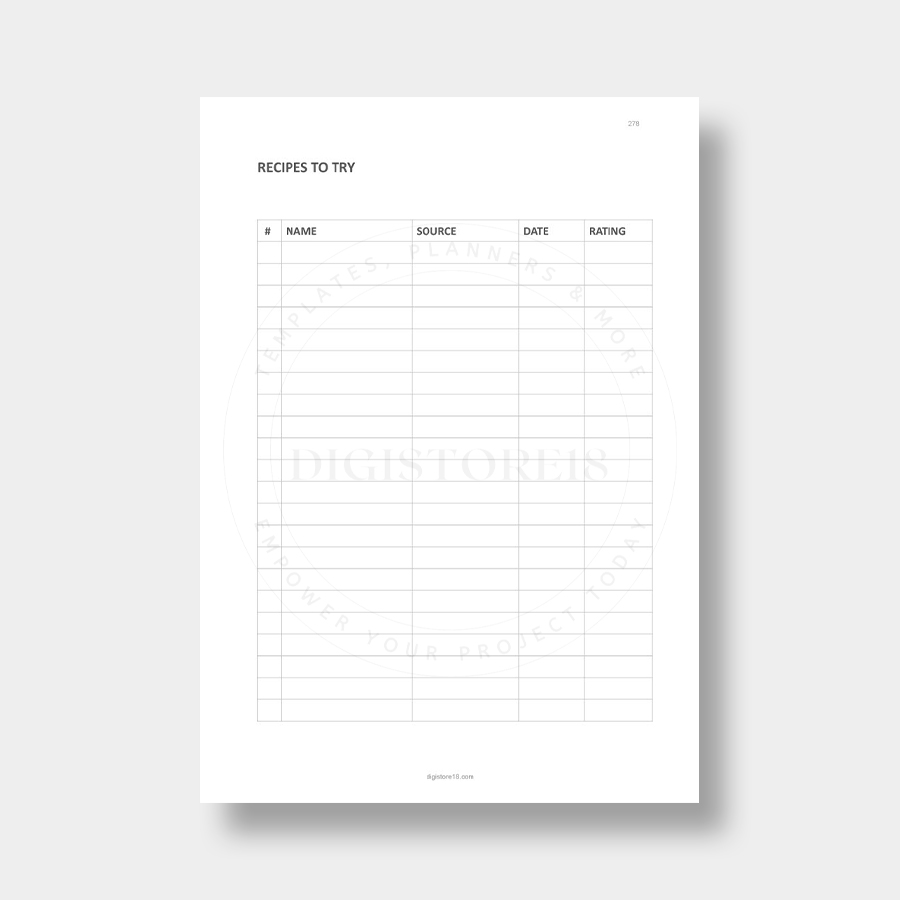
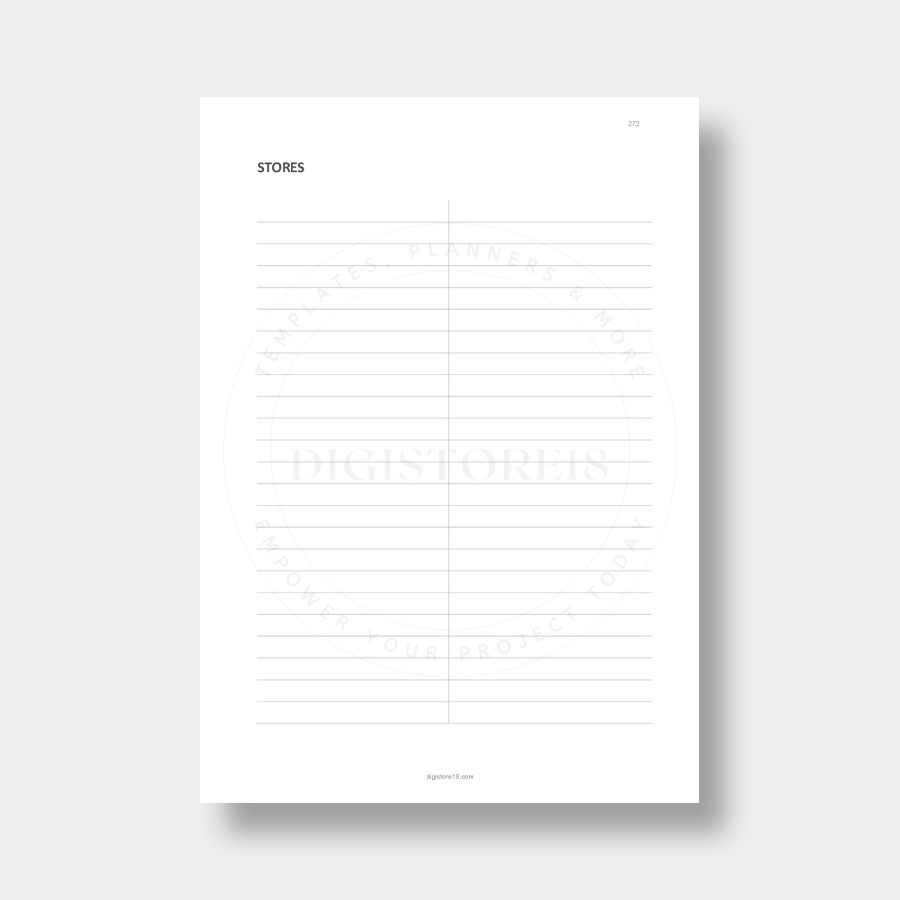
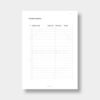
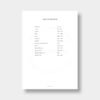
Beyond recipe storage, this organizer includes practical features that transform it into your complete culinary command center. The measurements and volumes reference section ensures consistent cooking results, while the favorite recipes tracker helps you quickly locate your go-to dishes. The “Recipes to Try” section lets you capture inspiration for future cooking adventures, and the restaurant and dining sections help you remember great meals and places worth revisiting.
Use the fillable format to type directly into the PDF, creating a clean, professional-looking cookbook that’s easy to read and reference while cooking. You can print specific sections when needed or keep everything digital for easy searching and sharing with family members.
Stop losing track of amazing recipes and start building your personalized culinary library that grows with your cooking journey and preserves your food memories for years to come.
How to download, open and print your PDF files
- You’ll be able to download the files immediately after your purchase is confirmed.
- No physical items or printed materials will be shipped to you.
- Retrieve your purchased files and extract them if compressed.
- Simply download the files you purchased.
- For file extraction on Windows, get this free tool: https://www.7-zip.org (Mac users: https://www.izip.com)
- Open your PDF files using Acrobat Reader.
- Get Adobe’s FREE software from https://www.adobe.com.
- Open the file in Acrobat Reader, choose “ACTUAL SIZE” in your printer’s settings, and print.
- The color output may differ slightly based on your monitor display and printer specifications.
IMPORTANT. This product is intended for personal use only. Resale, redistribution, or commercial application is prohibited.

 2 × $1.99
 2 × $1.99







Reviews
There are no reviews yet.